How to Register for an Open Event (New Team)
This guide is for anglers who do NOT have an existing team with the organization.
If you do not have a team, see How to Register for an Open Event (New Team) instead.
Step 1: Open the Registration Page
Navigate to the open event registration link provided by your organization. You will see the event details at the top. Below that, you will see a prompt to log in if you already have an account, followed by the registration form.
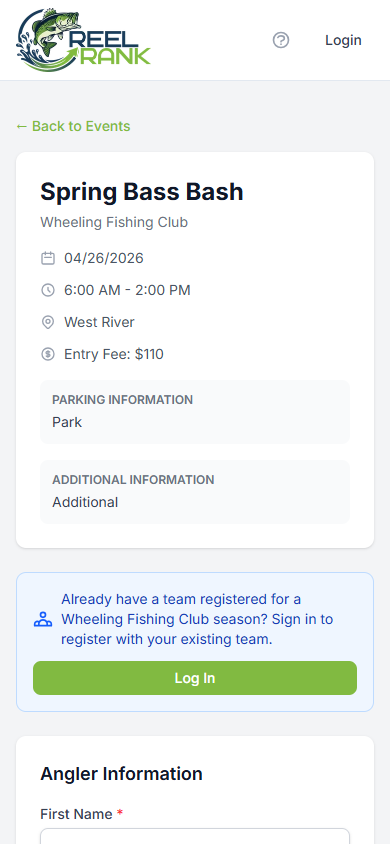
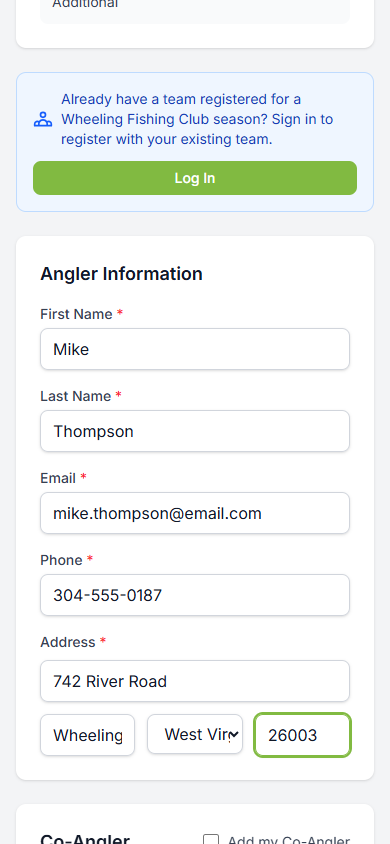
Step 2: Fill In Your Angler Information
Complete the Angler Information section with your details:
First Name and Last Name
Email - a confirmation email will be sent here
Phone number
Address - street, city, state, and zip code
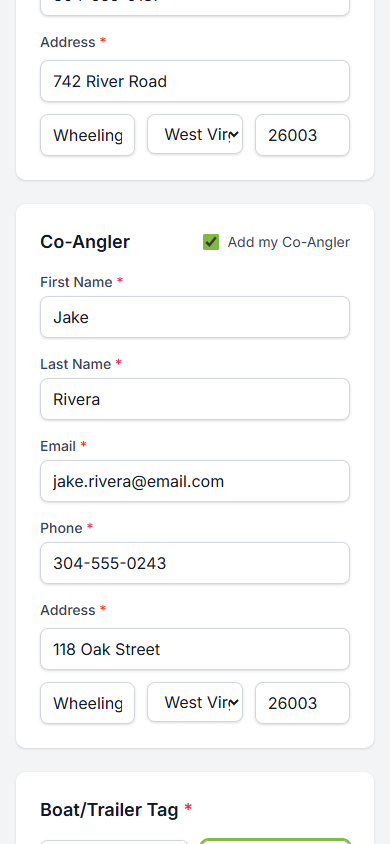
Step 3: Add a Co-Angler (Optional)
If you are fishing with a partner, check the "Add my Co-Angler" checkbox. A second set of fields will appear where you can enter your co-angler details including their name, email, phone, and address.
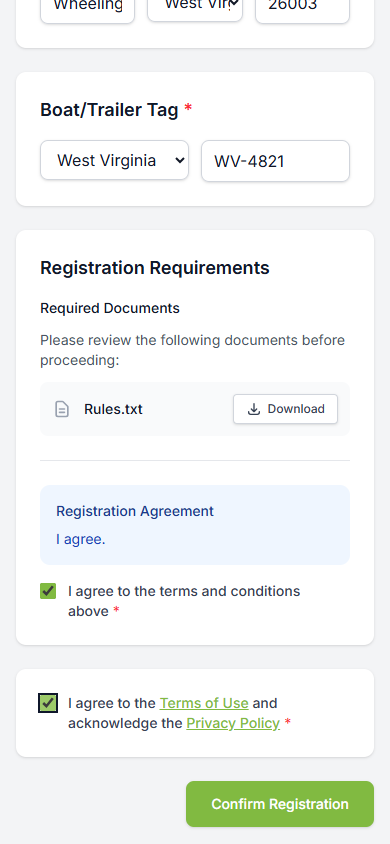
Step 4: Enter Boat/Trailer Tag and Review Requirements
Enter your Boat/Trailer Tag information (state and plate number). Then review the Registration Requirements section:
Download and review any required documents (e.g., rules)
Read the Registration Agreement
Check the box to agree to the terms and conditions
Check the box to agree to the Terms of Use and Privacy Policy
Step 5: Confirm Registration
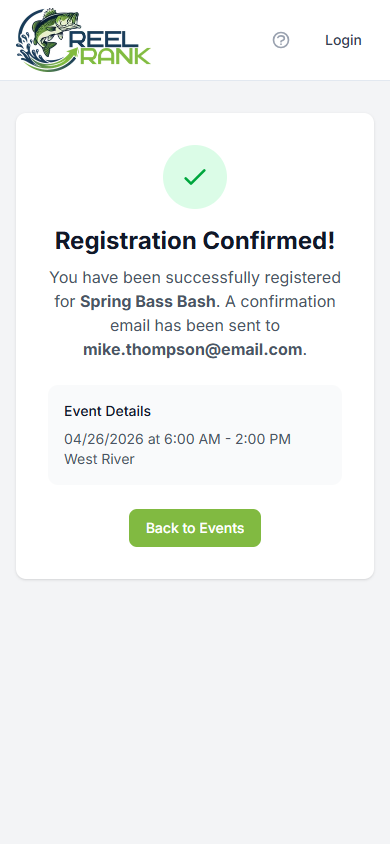
Tap "Confirm Registration" to complete your registration. You will see a confirmation page with a green checkmark and the event details. A confirmation email will be sent to the email address you provided.
Tips
You can only register during the registration window - check the dates on the event page
If you are fishing with a partner, have their information ready before starting the form
A confirmation email is sent after successful registration
If you need to cancel, contact your organization admin