How to Join a Season
How to Join a Season
This guide walks you through finding your fishing organization and registering for a season on ReelRank.
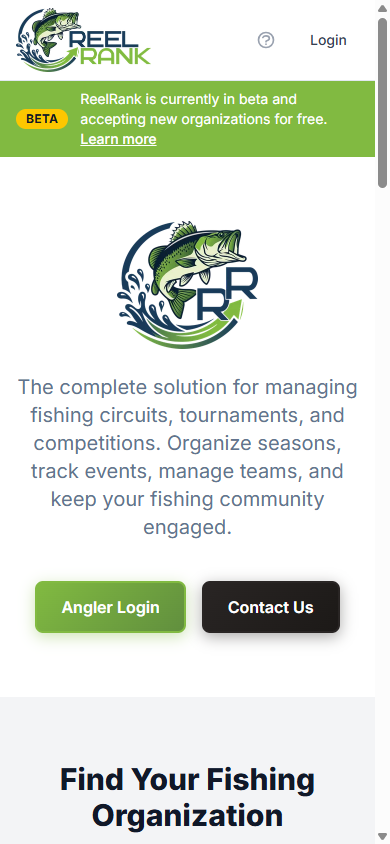
Step 1: Visit ReelRank
Head to www.reelrank.app. From the homepage, you'll see the main landing page with options to log in or browse organizations.
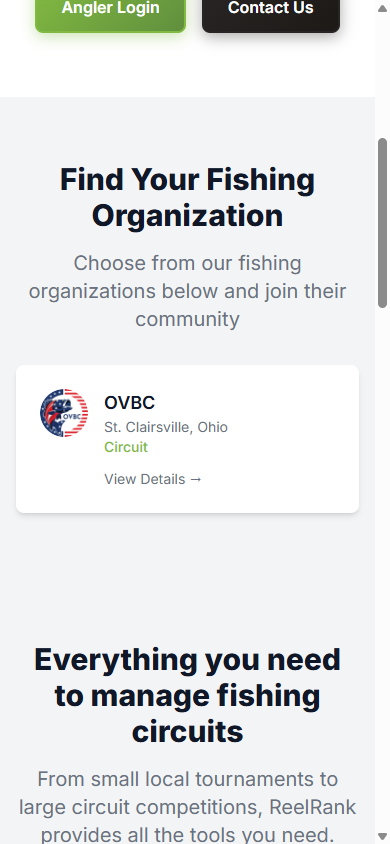
Step 2: Find Your Organization
Scroll down to the Find Your Fishing Organization section. You'll see a list of organizations. Tap on your organization to view their details.
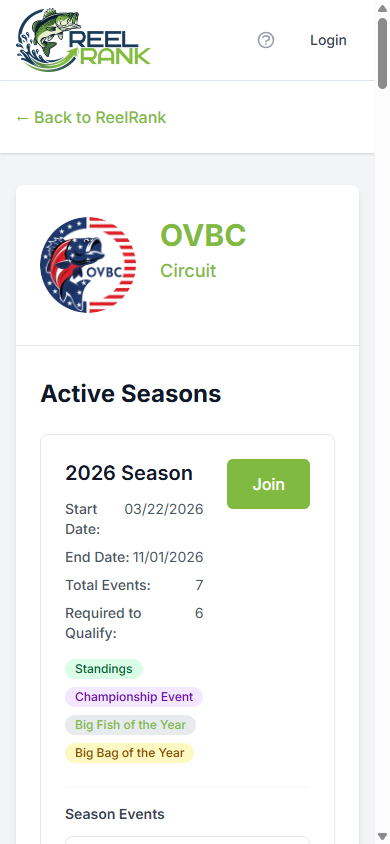
Step 3: View Organization Details
On the organization page, you'll see active seasons with dates, number of events, and qualification requirements. Tap the green Join button to get started.
Step 4: Review Season Details
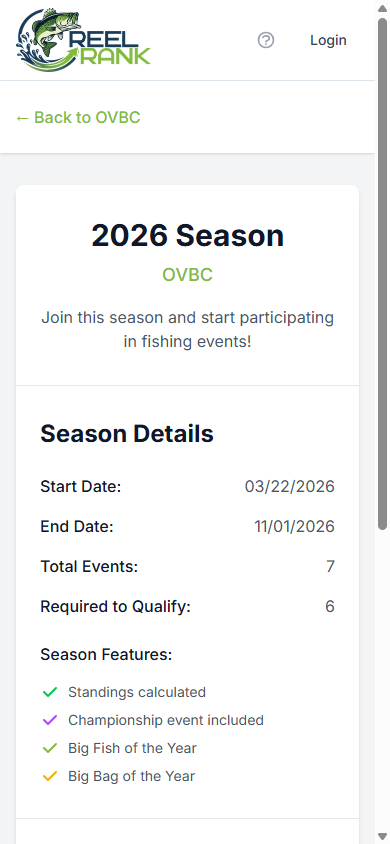
Review the season information including start/end dates, total events, and features like standings, championship events, and awards.
Step 5: Start Registration
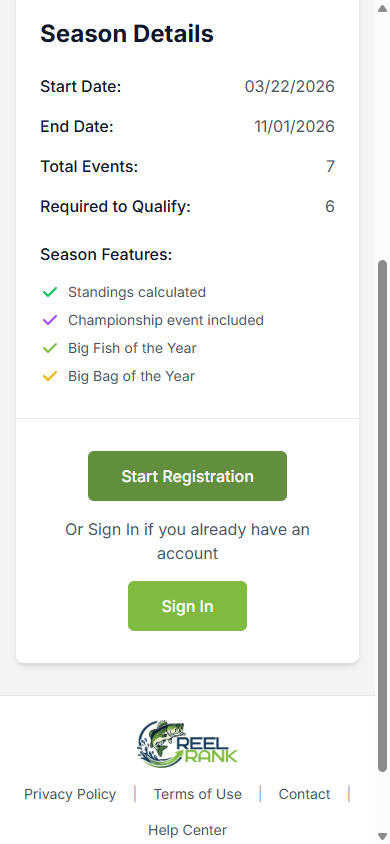
When you're ready, tap Start Registration. If you already have an account, you can sign in instead.
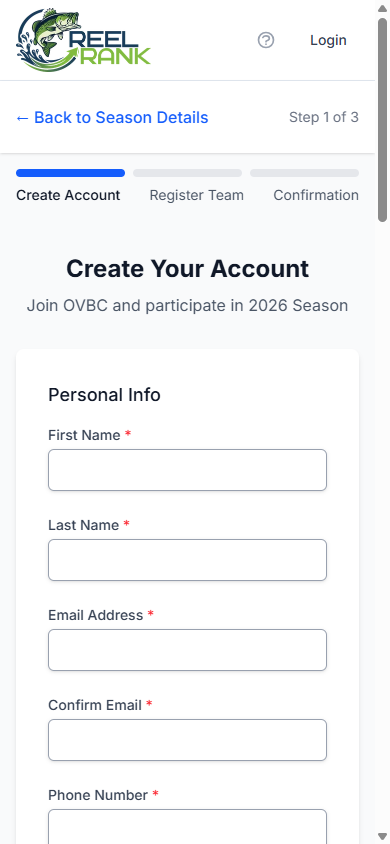
Step 6: Create Your Account
Fill out the registration form with your personal info, address, and password. This is Step 1 of 3 — after creating your account, you'll register your team and then confirm.